
Everything you always wanted to know about Music and the Guitar ... in plain English.
Welcome and thanks for dropping in! Becoming proficient on the guitar is a daunting task, no doubt about it, and the one thing I know for certain, after playing for over 60 years, is that understanding the basic structure of music is paramount. That's what you will learn here ... in plain old English. I use videos, animations, graphics and easy-to-understand analogies to do that. You will also learn about the various techniques you will need as a guitarist. So, if your goal is to go beyond hacking out a few chords for a campfire sing-along and actually play the guitar.
You will also find out about the various techniques used in playing this wonderful instrument. I have broken the content into 4 sections. If you're already familiar with the instrument and how to tune it, skip the first section called 'The Guitar'. If you're here to learn about how music works and how it applies to the guitar ... Start Here
The Guitar
A brief look at the instrument itself including the different types of guitars, the anatomy, how to tune it and how to restring it.

What is Music?
In this section I explain the workings of music using plain old English, videos, animations and graphics.

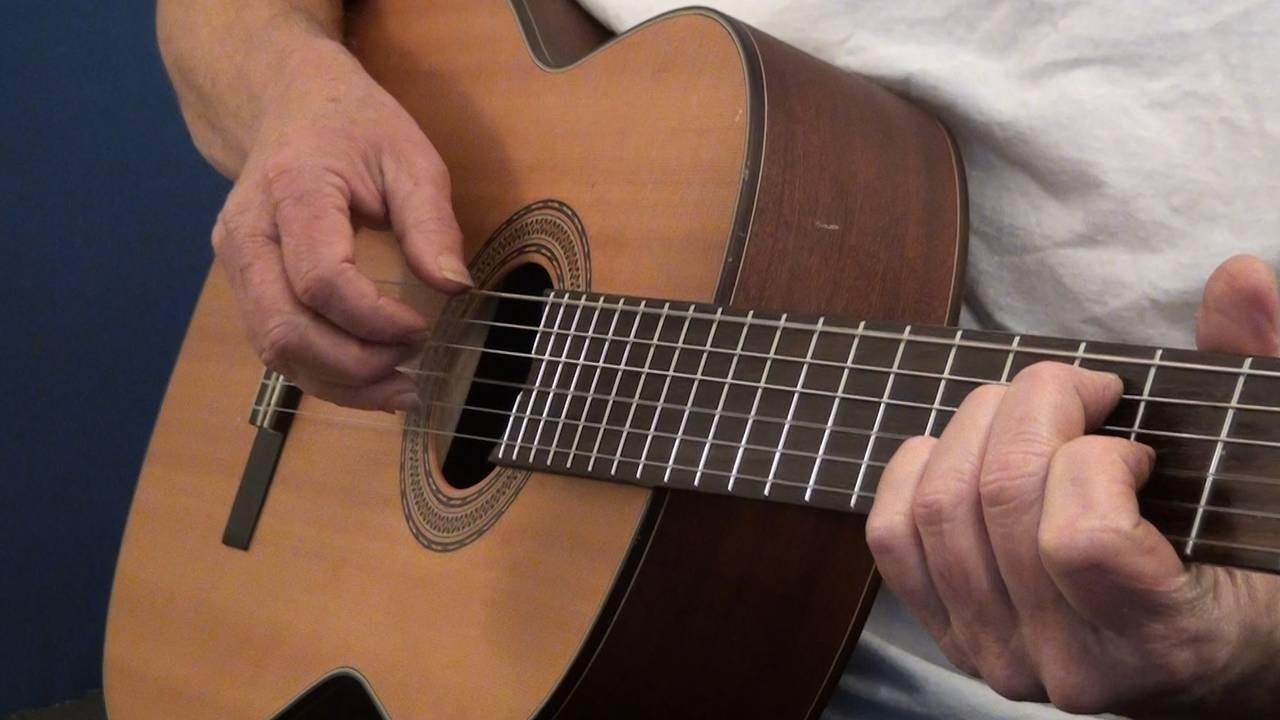
Playing the Guitar
A look at the various techniques that guitar players use: strumming, finger-picking, bending, muting, sliding, hammer-ons, pull-offs and more.
